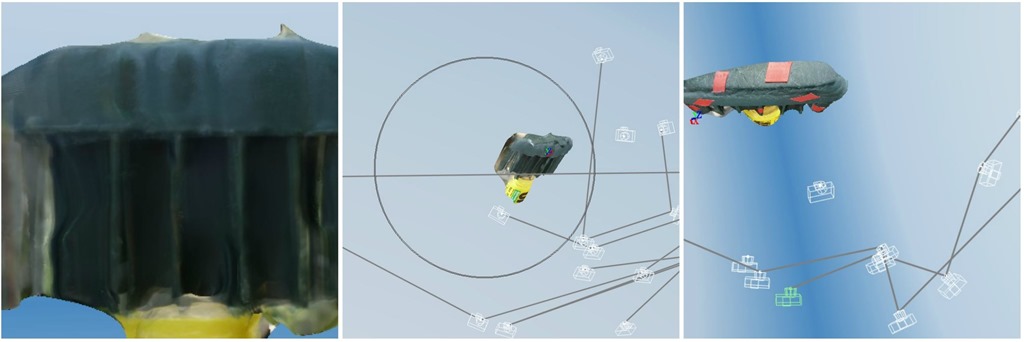
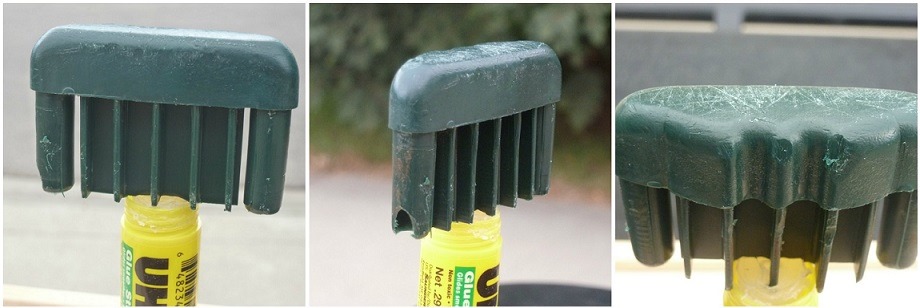
In a previous article, I began using 123D Catch to create a 3D model from still photographs. My project is to print some replacement feet for a patio chair. These were originally made from injected molded plastic. Several have gone missing over the years. Before I can print the replacements, I need a model. I can create this in CAD, or by using 123D Catch. I thought the latter would be easier and faster. But from where I am on the learning curve, it might not be.
Category: Tools
3D Part Replacement using Autodesk 123D Catch
Several of the plastic feet on my patio chairs have gone missing over the years. I should be able to do a 3D part replacement by printing some new ones. That will be the easy part of this project. The difficult part is coming up with a 3D model of part. Since no one has published a 3D model for this part on Thingiverse or elsewhere, I am on my own.
Remote 3D Printer – Out of the Basement
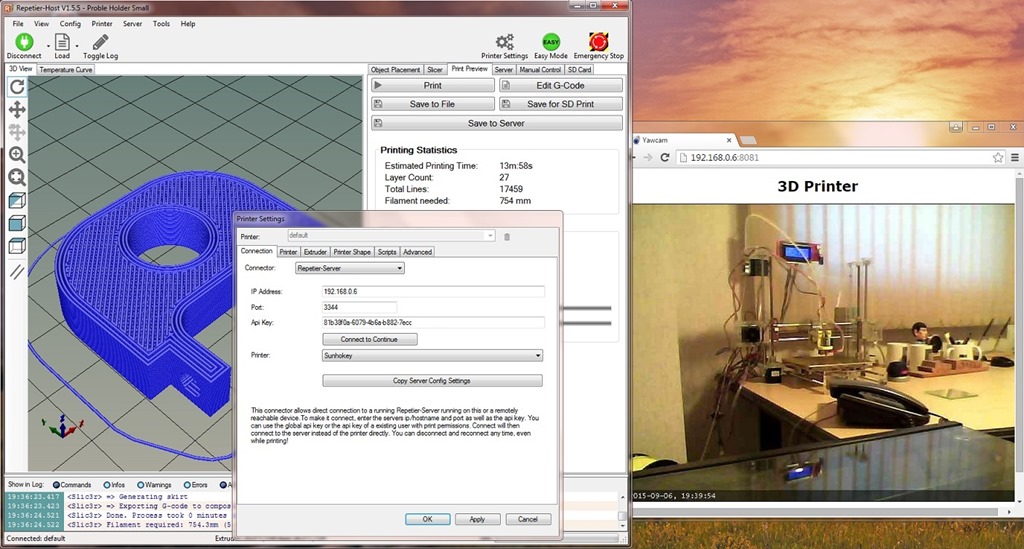
It’s fairly easy to connect to a remote 3D printer from any computer in your home. That includes tablets and phones. Here is how I did it.
DIY PCB – My First Attempt, Part 2
My 3D printer now does auto-leveling using a proximity sensor and an external control board. This DIY PCB article describes completion of printed circuit board used in this project.
DIY PCB – My First Attempt, Part 1

It’s amazing that after so many years with radio and electronics hobbies, I had never created a DIY PCB scratch. Oh, sure, I have used printed circuit boards made by others many times. These were either purchased commercially, or fabricated to my design. But it was time to make my own. So, here goes.
Opportunities to Use a 3D printer
Many people begin to use a 3D printer for making toys, models, jewelry and art. These are more aesthetic than practical. But there are many practical ways to use a 3D printer around the house or workshop.
3D Printer Auto Leveling DIY
Getting the first layer right is the holy grail of 3D printing. This is hard if your print bed is not completely level. Here’s the story of why and how I added 3D printer auto leveling to my Sunhokey Prusa i3.
Calibrating a Sunhokey Prusa i3 3D printer kit
Calibrating a 3D printer kit can be a lot harder than building it. And, if you are not careful, you can make it even harder. Here is my experience with my Sunhokey 3D printer kit. Remember that a 3D printer kit is not a precision instrument. It’s more likely a good enough instrument. So, have reasonable expectations. Perfect is the enemy of good.
Building a Sunhokey Prusa i3 3D Printer Kit
If you can assemble children’s toys on Christmas Eve, you can build a 3D printer kit. And it will probably work fine. But remember this: a 3D printer kit is not a finished product. You are buying a proven design, a box of parts, and assembly instructions. There will be bumps in the road. Here is the story of my ride.
3D Printer: Buy or Build, or just keep thinking about it
Getting a 3D printer requires an investment of time and money. It also helps to understand your objectives. Once you get bitten by the 3D printer bug, it becomes more a matter of how than what. You know you are going to end up with your own 3D printer. It becomes an obsession. Here’s how I handled my obsession. How did you handle yours?